Free Printable Multiplication Chart
Quick-select a range and theme, then download or print.
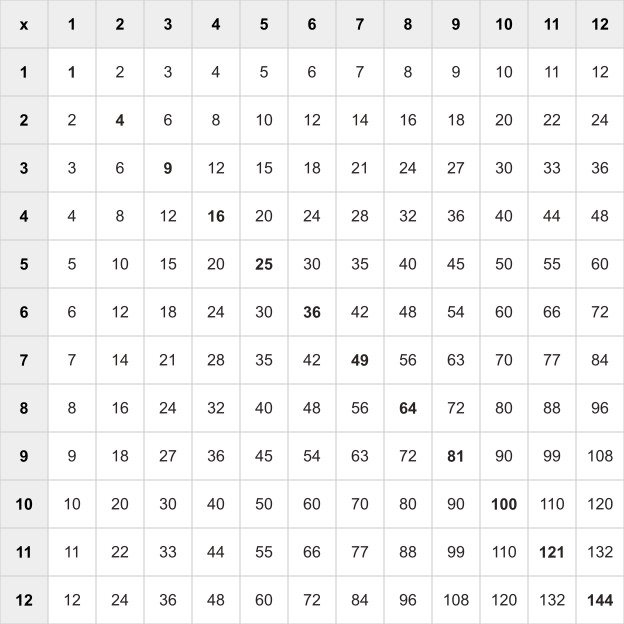
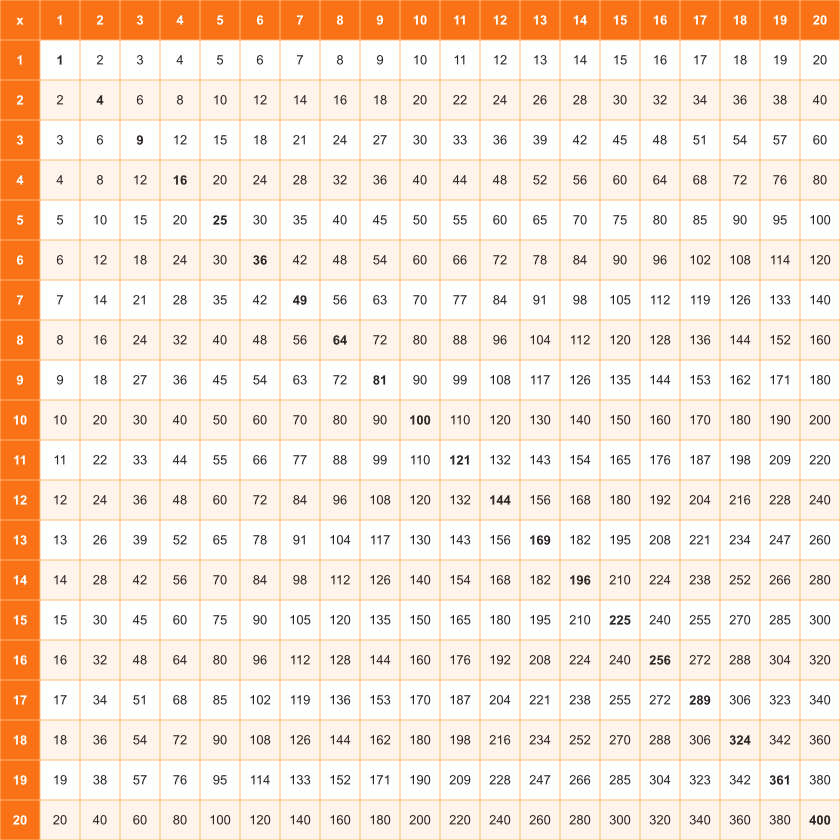
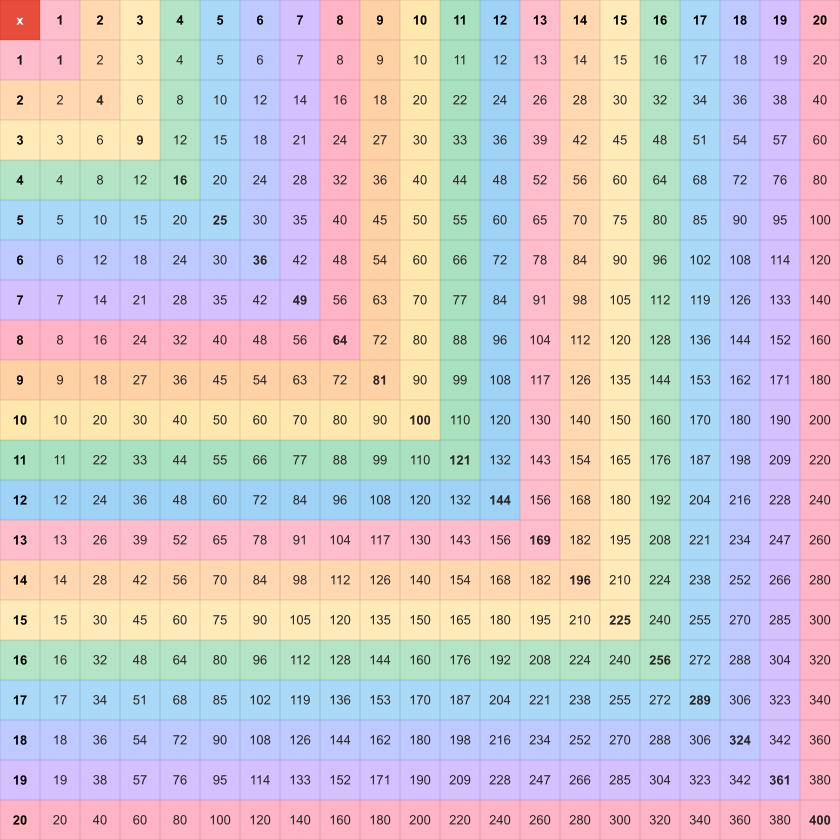
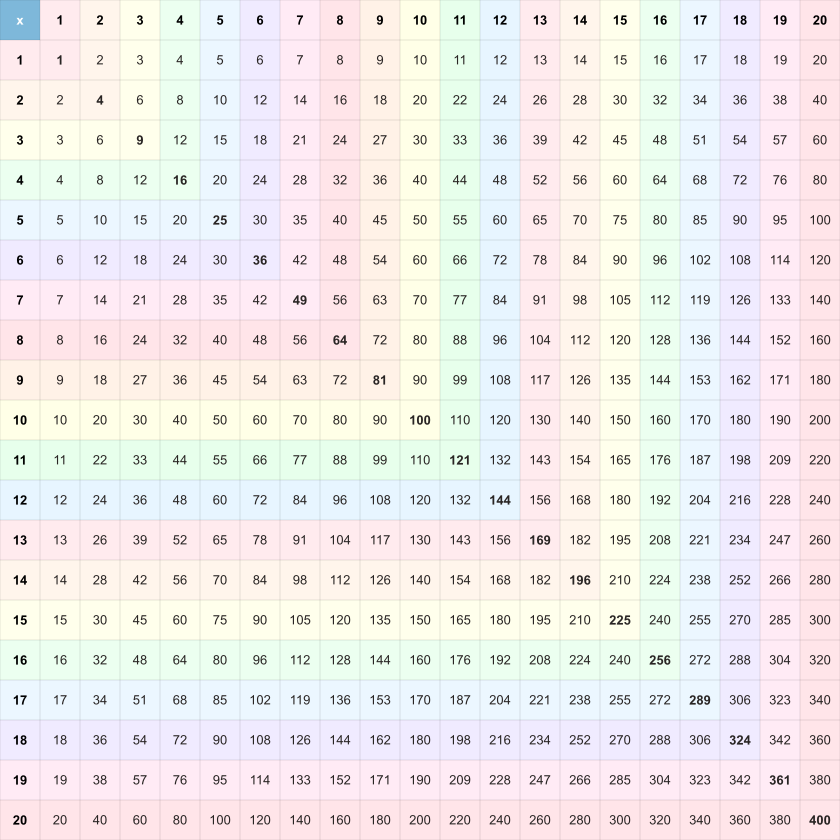
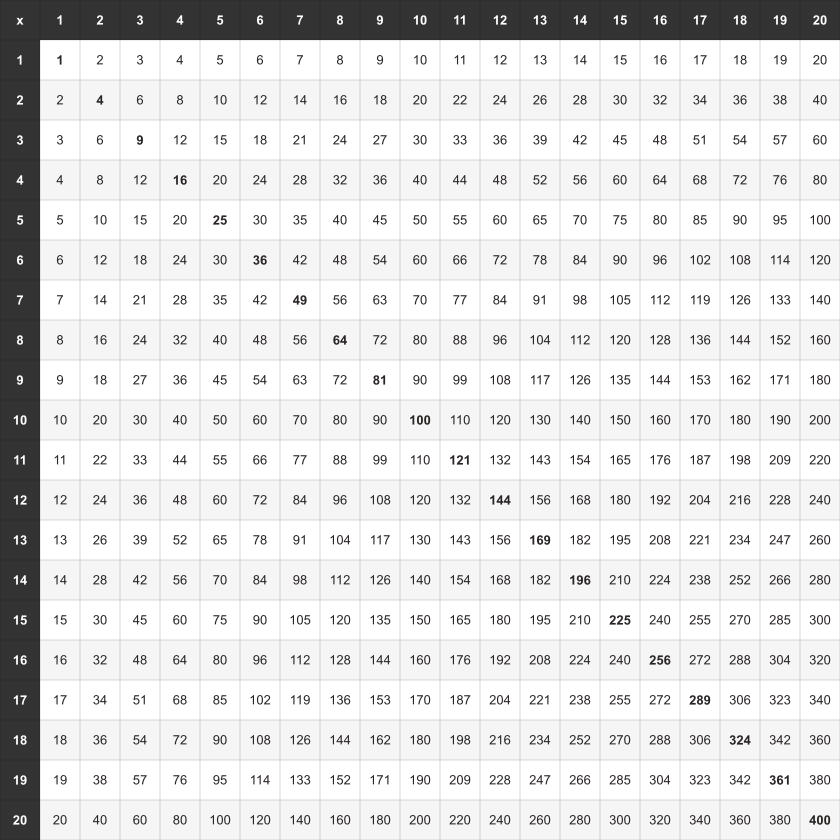
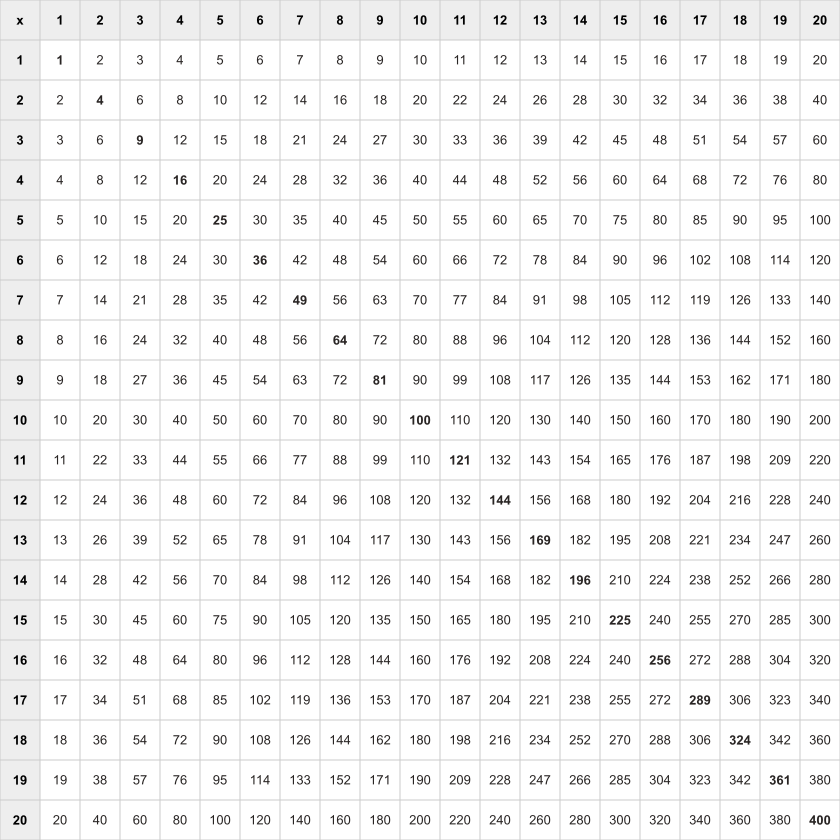
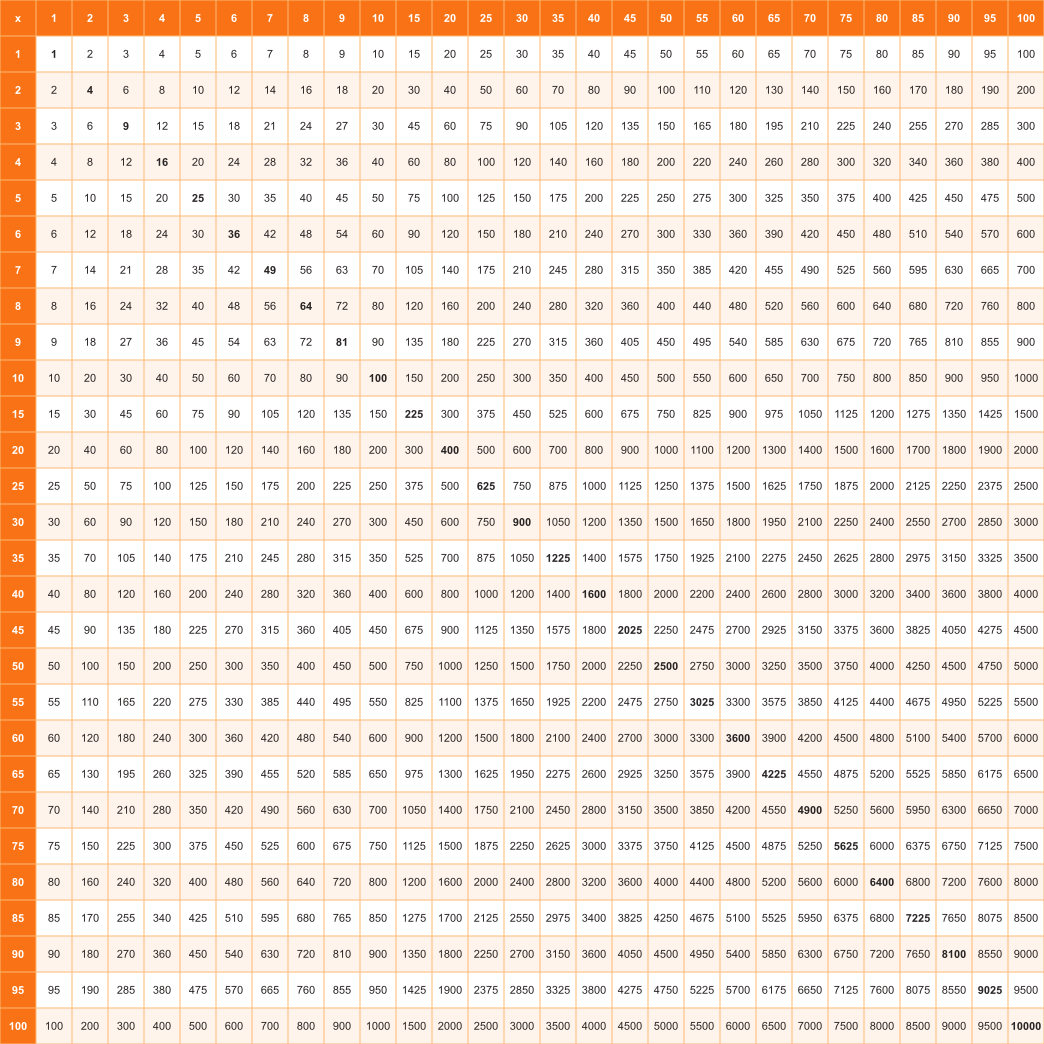
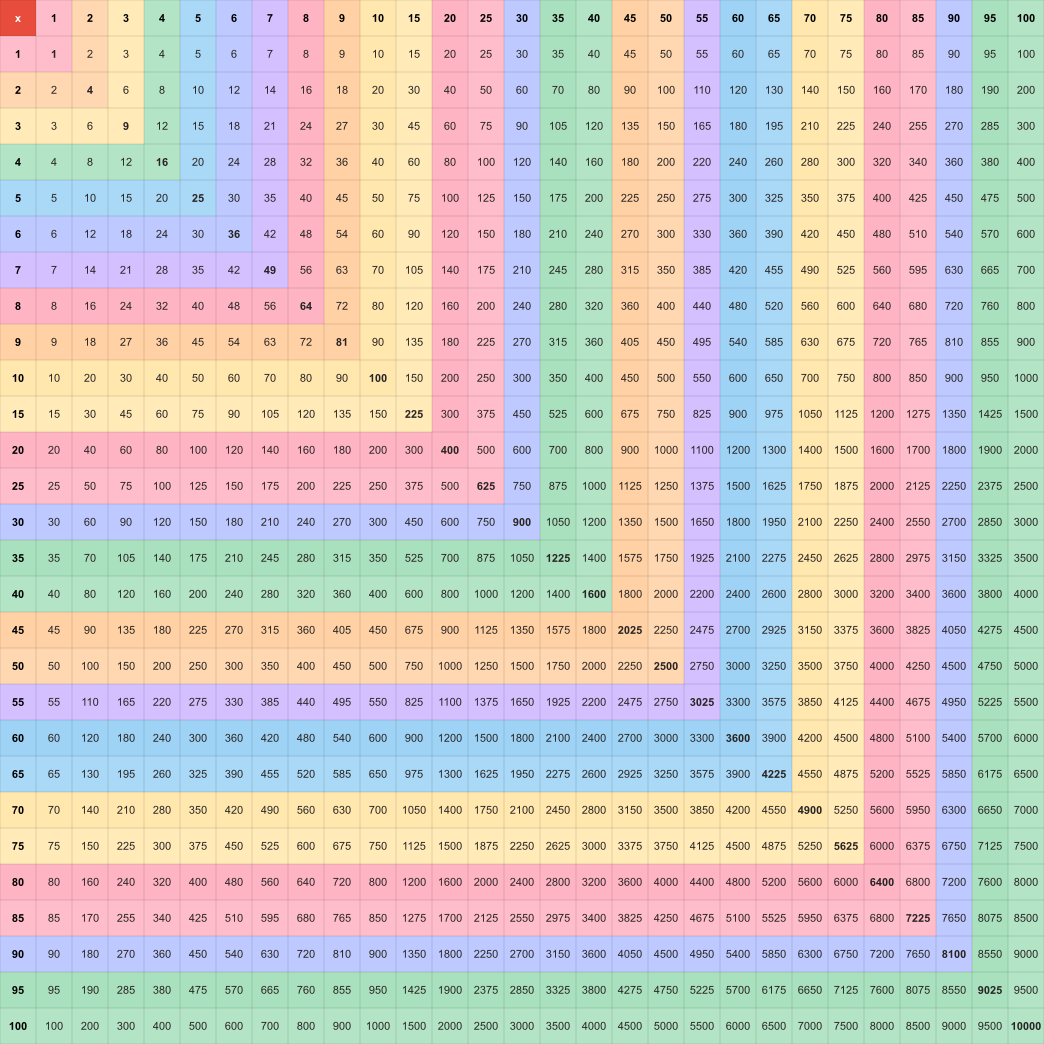
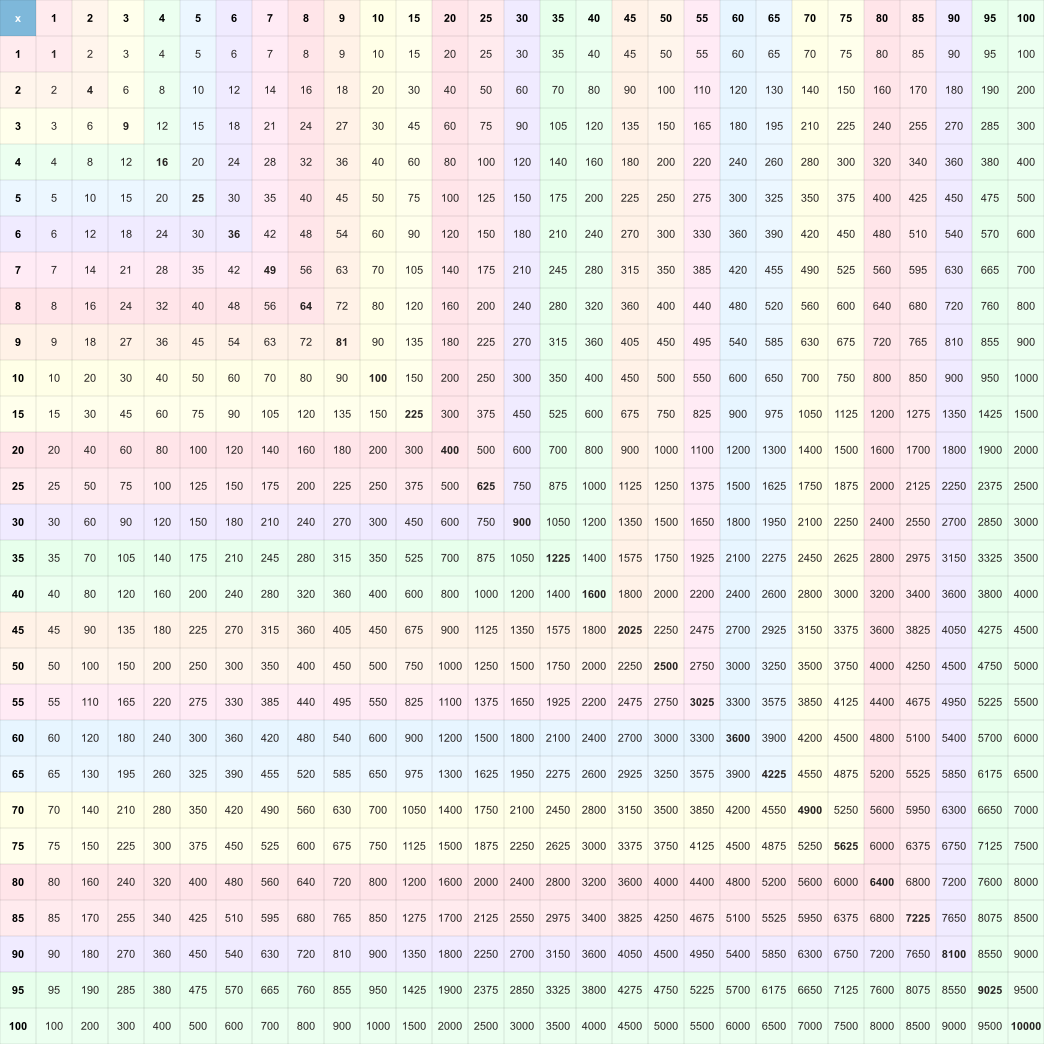
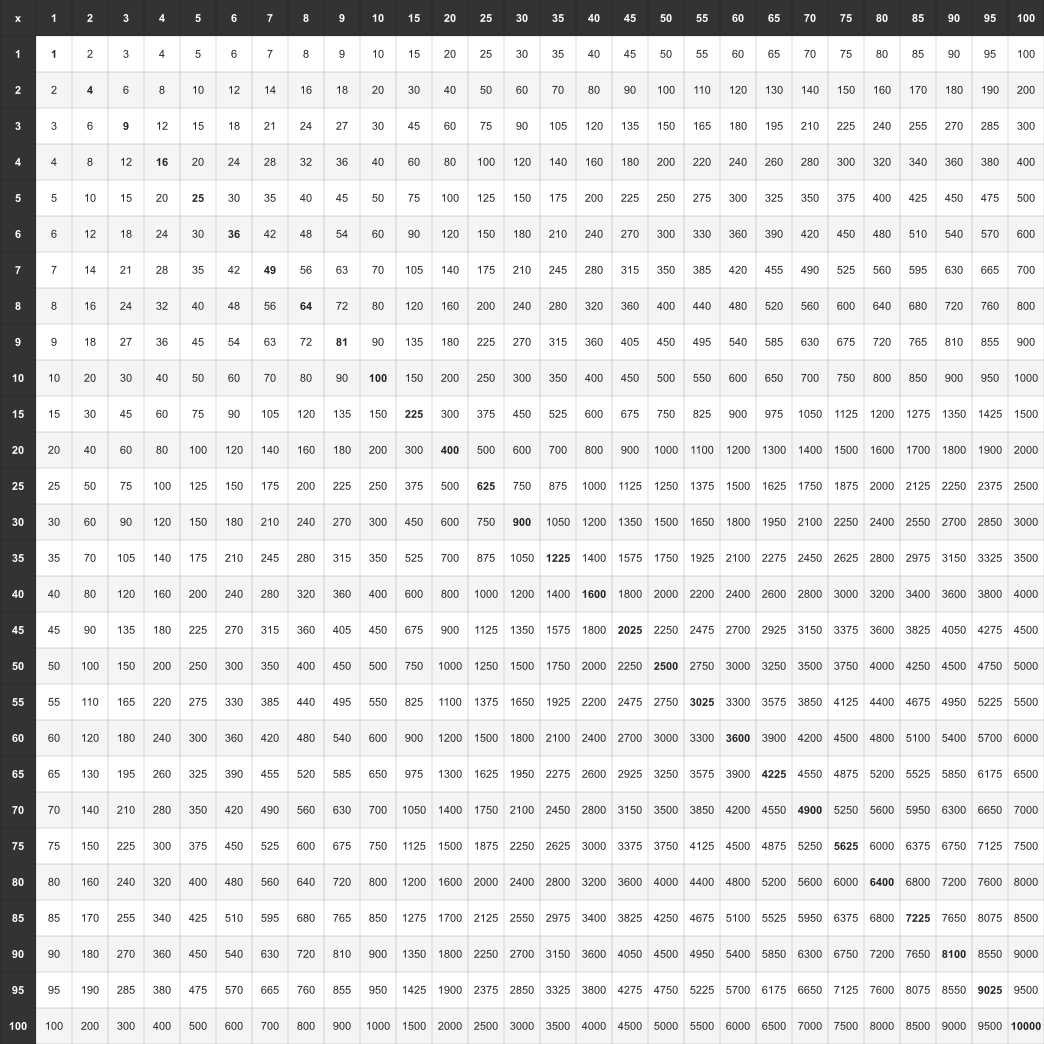
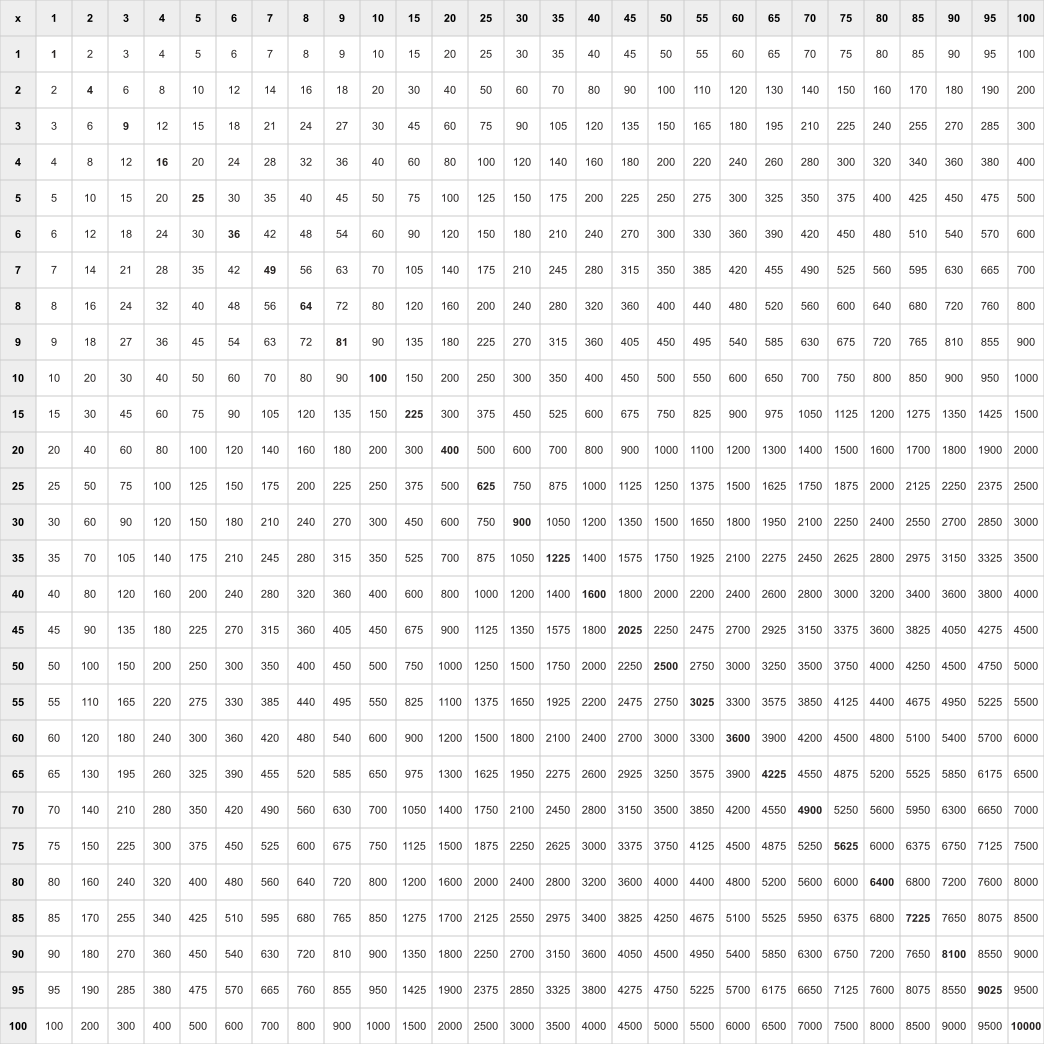
Ranges Available
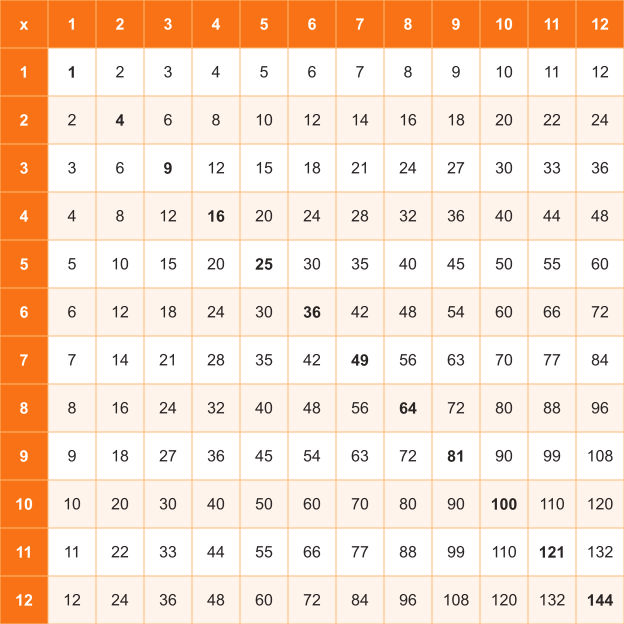
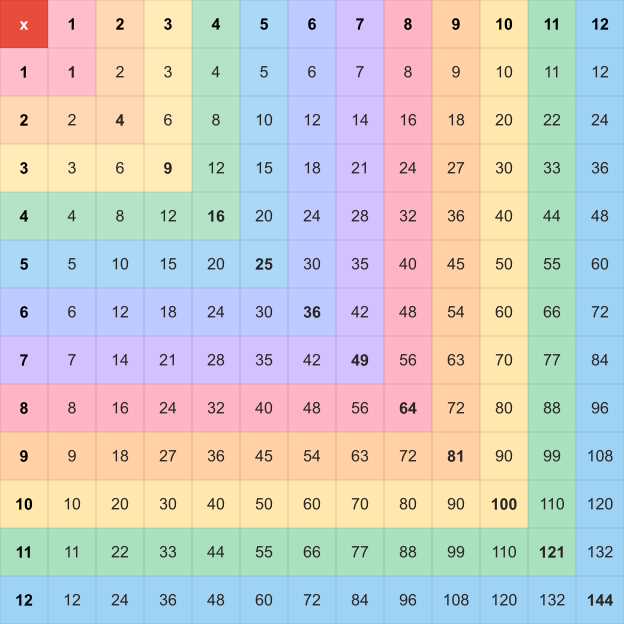
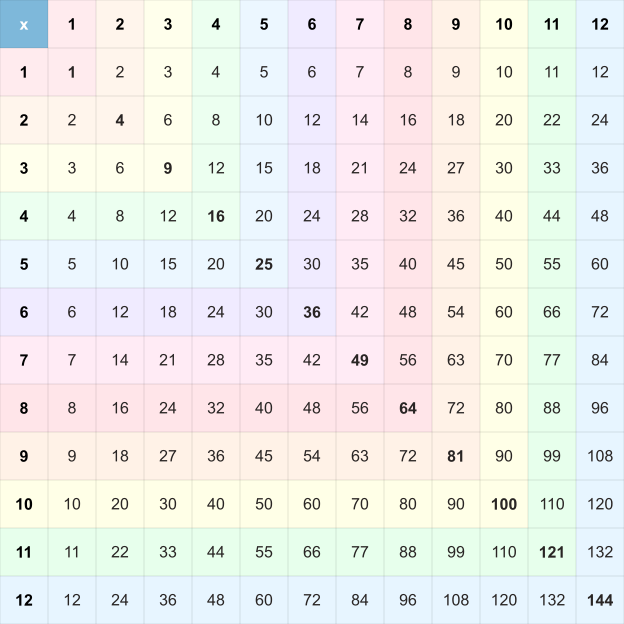
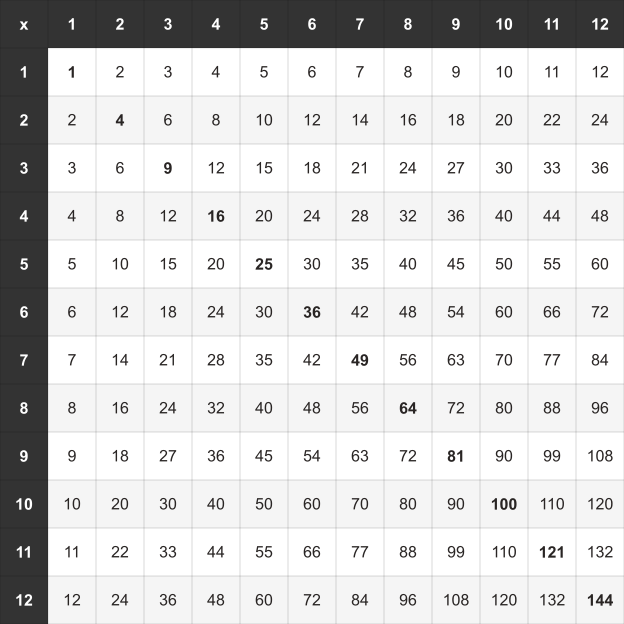
The range most schools teach, and the one that covers every fact on a standard times table test. Start here unless you have a reason not to.
Extends the same grid to larger products. Useful once the twelves are secure, and for older students who still reach for a chart while working through longer problems.
A number-pattern chart rather than a memorisation aid. The compact layout keeps 1-10 plus multiples of five so the grid stays readable on one page, which makes squares, multiples, and factors easy to spot at this scale.
Need a custom range, blank template, or missing-number quiz? Open the chart builder for full control over range, mode, layout, paper size, and orientation.
Open Chart BuilderWhat you can download
Every chart on this page is free and needs no account. Pick the format that matches what you are going to do with it.
The PDF is the one to send to a printer. It holds a single A4 page at print resolution, so grid lines and products stay sharp instead of softening the way a stretched screenshot does.
The PNG suits slides, worksheets, and messaging apps. It is rasterised at three times the layout size, so it stays sharp when you paste it into a document and scale it up.
Print sends the chart straight to your printer with no file to save first, which is quicker when you only need one copy for the desk in front of you.
Filled, blank, or fill-in?
The same grid does three different jobs depending on how much is already printed on it. Most teachers end up printing two of them.
Every product is printed, so the chart works as a reference on the wall and as an answer key for marking. This is the version to print first if a child is still learning the facts.
Open the filled chartThe headers stay and every product cell is empty. Students write the whole grid from memory, which is the quickest way to find out which facts have not stuck yet.
Open the blank chartOnly some products are removed. It sits between the other two: lighter than a fully blank grid, so it works as a warm-up or a short quiz rather than a full test.
Open the fill-in chartGetting a clean printout
Most problems with a printed chart come from the printer settings rather than the chart. These five habits avoid nearly all of them.
Print at 100%, not “shrink to fit”
Scaling the page to fit the paper squeezes the grid, and a squeezed grid is harder to read across a row. Set the printer scale to 100% and leave the margins alone.
Choose the ink saver theme for grey printing
The ink saver theme drops the background fills and keeps the grid lines. It is the one to pick when you are printing black and white, or when the page is going to be photocopied for a class set.
Laminate the filled chart
A laminated filled chart survives a whole year of desk use, and children can write on it with a dry-wipe pen and correct their own work without using a second sheet.
Print the blank chart from the same range
Pair the two: the filled chart is the answer key, the blank chart is the exercise. Keeping both at the same range means the answers line up cell for cell.
Check the first page before running a class set
One test sheet confirms your printer is not clipping the outer column. It is a cheaper habit than discovering forty clipped copies after the lesson has started.